Grocie Google Slide Template: Practical Presentations for Real-World Projects
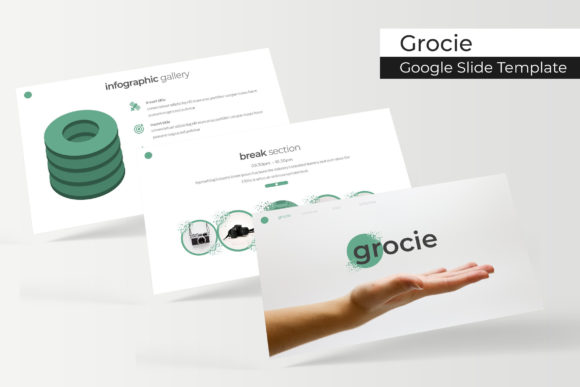
You have a pitch next Tuesday. A client proposal due Friday. A class module that needs visuals by tomorrow. And the last thing you want is to start from a blank slide, wrestling with alignment guides and font sizes. That is where the Grocie Google Slide Template steps in—a collection of 150 slides spread across five premade color variations (30 slides per template) that give you a running start without locking you into a single look. Designed to work with Google Slides and PowerPoint (five PPTX files plus widescreen versions), it focuses on real utility: handcrafted infographics, section breaks, gallery and portfolio slides, resizable graphics, picture placeholders, and pixel-perfect illustrations. The templates are built on master slides, meaning you can edit once and have changes ripple through the entire deck. And yes, a readme file with free font download links is included—just supply your own photographs.
Below we walk through where, when, and why different people reach for this template, what you should consider before using it, and how its features translate into actual outcomes rather than abstract specs.
Entrepreneurs Pitching to Investors
If you have ever stood in front of a room and watched eyes glaze over during a financial slide, you know the value of clean visual breaks. Grocie Google Slide Template includes dedicated section break slides that let you transition from “the problem” to “our solution” to “market size” without a cluttered jump. The handcrafted infographics are especially useful here: instead of a plain bar chart, you can drop your revenue projections into a pre-designed graphic that feels more like a story than a spreadsheet.
Picture placeholders mean you can drag and drop your team headshots, product mockups, or office photos in seconds—no cropping or resizing nightmares. Because the graphics are resizable and editable, you can tweak colors to match your startup’s palette, or even adapt an infographic for a one-pager later. The pixel-perfect illustrations give a polished edge without requiring a designer. And with five color variations in the package, you can pick the one that feels most credible for your industry (blue for fintech, green for sustainability, neutral for consulting, etc.).
- Section break slides separate pitch segments clearly.
- Infographics transform raw data into digestible visuals.
- Picture placeholders save time on team and product photos.
- Master slides ensure consistent logo placement and font usage.
Freelancers Building a Portfolio Deck
Whether you are a graphic designer, writer, photographer, or web developer, a portfolio presentation often lands more work than a static PDF. The gallery and portfolio slides inside Grocie are designed specifically to showcase work samples. You get multiple layout options: a grid for thumbnails, a larger hero image with captions, and side-by-side comparisons for before/after projects.
Because the template is built on master slides, you can set your name, title, and brand colors once and every slide inherits them. This is especially handy when you need to send different versions to different clients—just duplicate the file, swap the color variation, and replace images in the placeholders. No redoing the whole deck. The resizable graphics also let you repurpose elements for social media posts or PDF exports later. The readme file includes links to the free fonts used, so there is no licensing headache.
- Portfolio slides present multiple projects clearly.
- Gallery layouts support both image-heavy and text-light styles.
- Five color variations allow quick tailoring to different client industries.
- Master slides maintain consistency without manual copying.
Educators and Trainers Creating Course Modules
Teaching adults—whether in a university, a corporate workshop, or a community class—requires slides that guide attention without overwhelming. Grocie Google Slide Template offers handcrafted infographics that explain processes, timelines, and comparisons visually. For example, you can illustrate the steps of a design thinking process using a custom graphic instead of a bullet list.
The section break slides work well as module dividers: “Week 1: Foundations,” “Week 2: Application,” etc. You can add a simple icon or title on each break slide, giving your learners a mental reset. Because the templates include 30 slides per color, you have room to expand each topic without running out of layouts. The picture placeholders let you insert screenshots, diagrams, or photos from class activities. And if you prefer a darker background for evening sessions, one of the five color variations probably fits—just try them in preview mode before committing.
- Infographics replace dense text with memorable visuals.
- Section breaks organize multi-week or multi-topic courses.
- 30 slides per variation provide enough layouts for a semester-long deck.
- Editable graphics allow you to add local data or case studies.
Marketing Teams Preparing Client Proposals
Agencies and in-house marketing teams often juggle multiple proposals each month. Grocie Google Slide Template speeds up the process because you can choose a color variation that aligns with each client’s brand guidelines—or use the neutral version and customize further. The resizable graphics mean you can scale an icon or illustration to fit a headline area without distortion. The pixel-perfect illustrations look sharp on both widescreen projectors and printed handouts.
One practical workflow: open the PPTX file in Google Slides (or PowerPoint), select the client’s preferred color variation, replace placeholder images with their product shots, and then use the infographics to display campaign metrics or market research. The master slides handle the global styles, so if the client requests a last-minute logo change, updating the logo on one slide updates it across the entire deck. The download includes five separate PPTX files (one per color), plus widescreen versions, giving you immediate flexibility.
- Five premade color variations reduce the need for heavy customization.
- Pixel-perfect illustrations maintain quality across output formats.
- Master slides simplify global edits (logos, contact info).
- Drag-and-drop picture placeholders speed up image integration.
Small Business Owners Creating Training Materials
When you hire a new team member or run a quarterly workshop, you need slides that are clear enough for someone who hasn’t seen your internal processes before. The handcrafted infographics in Grocie are ideal for training workflows: onboarding steps, safety procedures, product features, or customer service protocols. You can repurpose the same template for different departments by swapping out icons and color accents.
Because the graphics are resizable and editable, you can combine elements from different slides to build a custom training manual without starting from scratch. The section break slides work nicely for module introductions. And since you may not have a dedicated designer, the consistent layout reduces the chance of mismatched fonts or misaligned boxes. The readme file provides free font download links, so your team can install the same typeface across all computers for brand consistency.
- Editable graphics let you mix and match elements for different topics.
- Section breaks help employees navigate longer training sessions.
- Master slides ensure every slide reflects your company branding.
- Free font links remove guesswork from typography.
What to Consider Before Using This Template
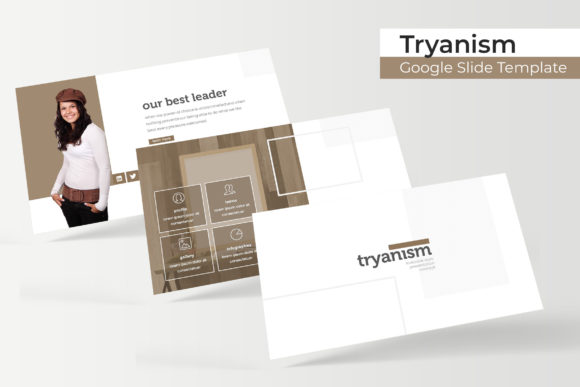
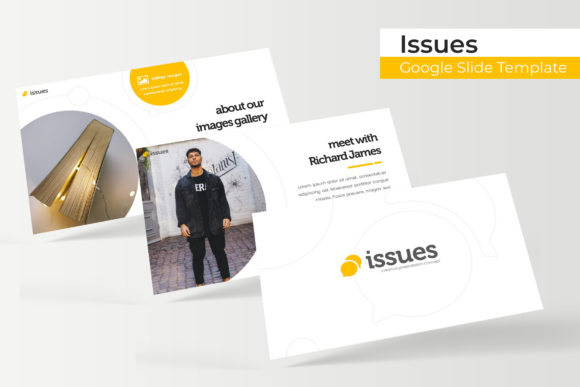
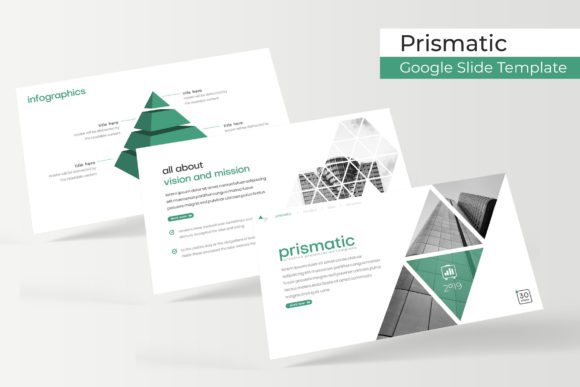
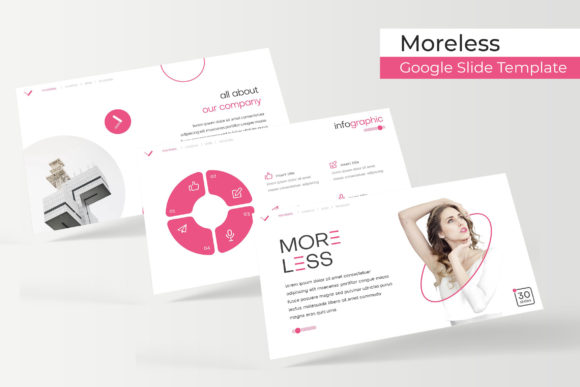
No template is magic, and Grocie Google Slide Template works best when you understand its boundaries. First, the preview images include photographs, but those are not included in the download—you must supply your own pictures. Plan to use royalty-free stock images or your own media. Second, the fonts used in the template are free but require downloading. The readme file has the links, so budget a few minutes to install them before you start editing.
Third, while the graphics are resizable and editable, complex customizations (like combining multiple infographics) may require some familiarity with PowerPoint or Google Slides grouping tools. If you are new to presentation software, practice on a duplicate file first. Fourth, the templates are delivered as five PPTX files (one per color) plus widescreen versions. If you need a different aspect ratio, you may have to adjust manually. Finally, because this template emphasizes design flexibility, it does not include pre-written content—you bring the text and data, it brings the frameworks.
- Supply your own photos; preview images are illustration only.
- Download and install the linked free fonts before editing.
- Familiarize yourself with slide editing tools for major graphic changes.
- Choose the appropriate color variation for your audience and setting.
- Duplicate the file before heavy customization to preserve the original.
Practical Scenarios That Show the Template in Action
Consider a freelance brand strategist who lands a new client in the food industry. She opens the Grocie orange color variation (warm tones), drops client food photography into picture placeholders, uses an infographic to show their current versus desired market position, and adds a section break before the proposed tactics. Total time: under two hours, including font installation. The result looks custom-designed, but the client never sees the template grid.
Or think of a university lecturer preparing a semester-long course on environmental policy. He uses the green color variation, section breaks for each of the 12 weeks, and handcrafted infographics to show carbon emission timelines and policy impact flows. The master slides keep his department logo and lecture title consistent. When the course is over, he repurposes the same layout for next semester by swapping in new data and images.
A small marketing agency might use the template for monthly client reporting. They duplicate the file each month, update metrics in the infographics, replace screenshots via placeholders, and change the color variation to match the client’s brand. The time saved allows them to focus on analysis rather than layout alignment.
Why the Feature Set Matters for Real Outcomes
Behind every feature in Grocie Google Slide Template is a reduction of friction. The 150 slides across five colors mean you are not forced into one aesthetic, which is useful when you present to different audiences. The handcrafted infographics give you credibility without requiring design skills. Picture placeholders eliminate the “stretched image” problem that plagues so many quick presentations. Master slides make global updates possible in seconds—handy when deadlines shift or stakeholders request a last-minute logo swap.
The inclusion of five PPTX files (plus widescreen versions) means you can keep a master copy in each color, ready to branch off for different projects. The readme with free font download links ensures your final talk looks like the preview, not a broken version with missing typefaces. And because the graphics are pixel-perfect, they remain crisp on high-resolution screens and printed materials alike.
All of this translates to less time wrestling with slide mechanics and more time preparing the content that actually moves your audience. Whether you are an entrepreneur, freelancer, educator, marketer, or business owner, the template helps you produce a presentation that feels intentional without demanding a designer’s paycheck or schedule.